Cloud Backup & Data Protection for Businesses
Back up servers, computers, websites and critical business data automatically. Recover quickly when something goes wrong.
- English, हिन्दी, ગુજરાતી
Encrypted before upload
AES-256 on your own computer. We store sealed pieces we cannot read.
Verified, not assumed
Every backup is checked on the server. "Protected" is never a guess.
Restore to any computer
Old PC gone? Install on the new one, sign in, and bring everything back.
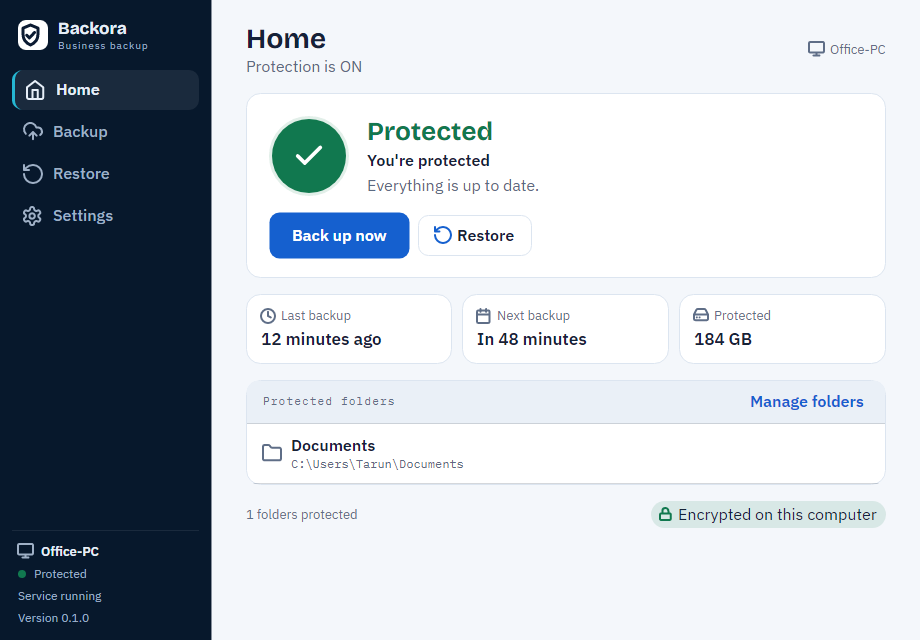
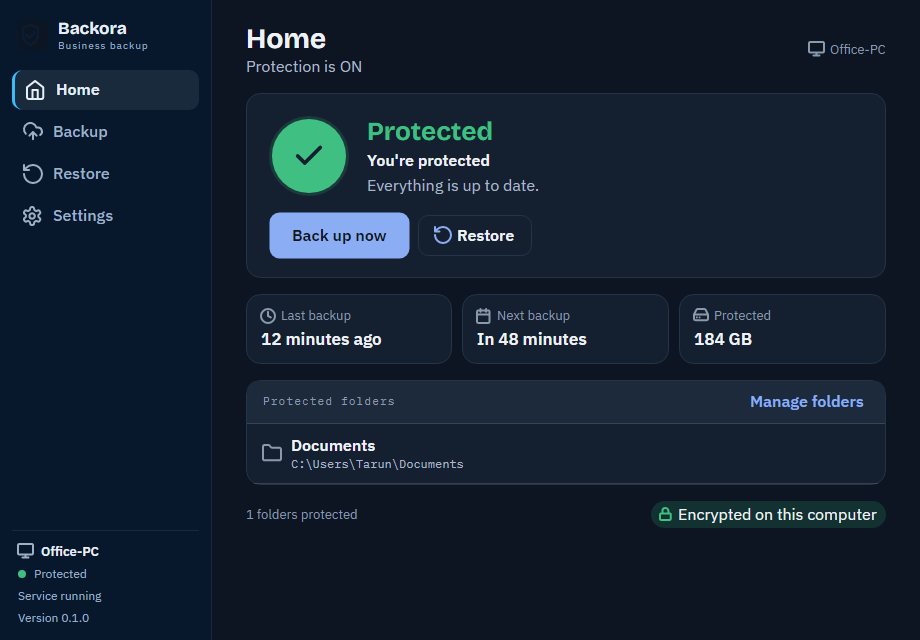
A small, calm window that says one thing
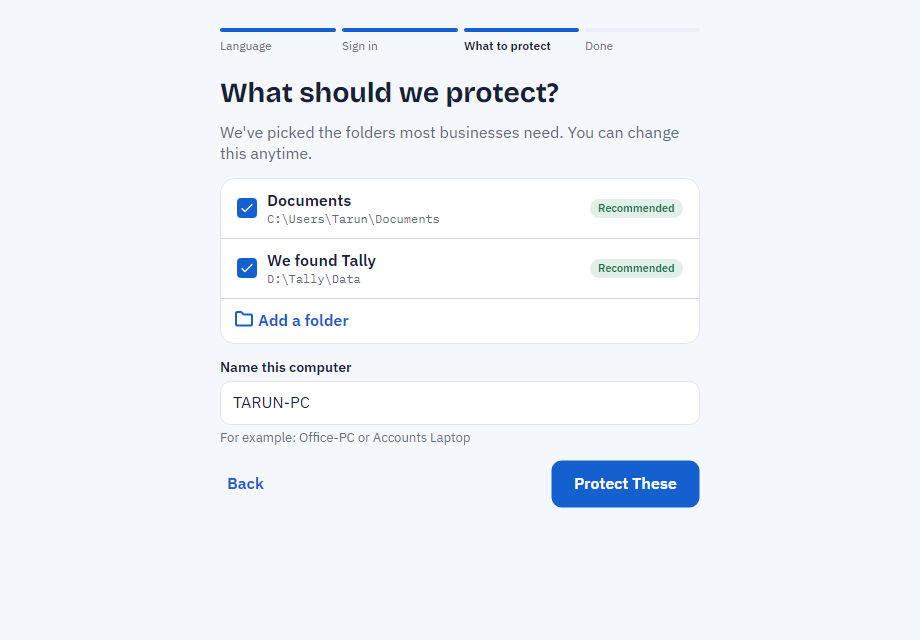
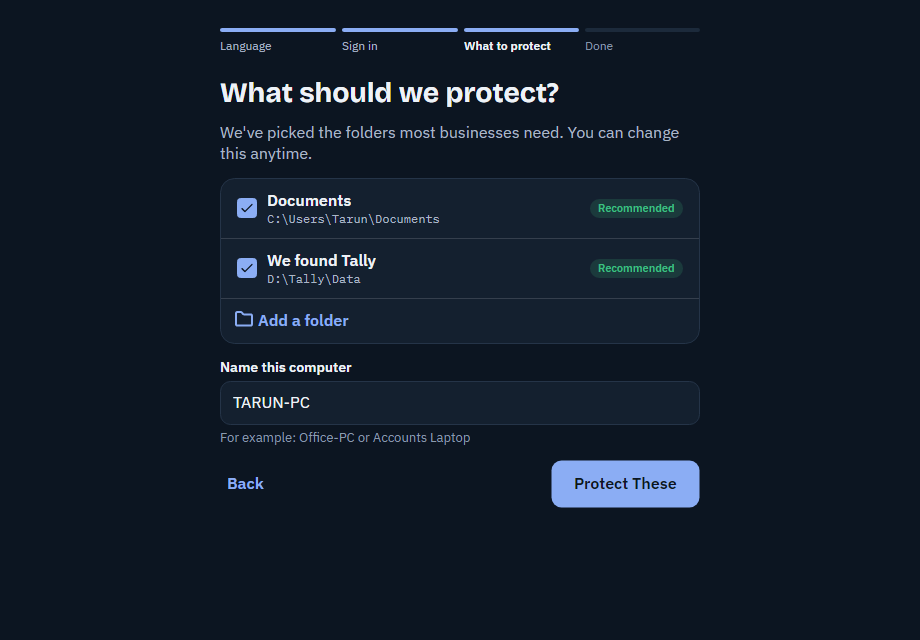
The desktop app shows the same four words as the website, the time of the last verified backup, and one button. It runs quietly in the background on Windows and Mac. These pictures are rendered from the real app by its tests, not drawn by a designer.
If it is a file on your computer, it is protected
Documents, invoices, project folders, a server's shared drives, the files behind a website, a database export — anything you choose on a Windows or Mac computer.
See what you can protectThree steps, then it looks after itself
Install in five minutes
Download the installer, sign in with your account and choose your language. It runs quietly in the background on Windows and Mac.
Choose what to protect
We find Tally and your usual folders. Tick what matters. The first backup starts on its own.
Every backup is verified
After each upload the server checks every piece. Only then does your dashboard say Protected, with the time it was checked.
Your status is always one of four words. Never a fifth.
Protected, Backing up, Attention needed, Not protected. Each has its own colour and shape, so you can read it from across the shop, and none of them is ever shown until it is true.
Every piece verified on the server.
Changes are being uploaded right now.
The last backup could not finish. Earlier backups are safe.
Nothing is being backed up. Fix this today.
Getting your files back is the point
Pick a verified backup by date, choose files or everything, and restore to the same computer or a replacement. Nothing is called Protected until the server has checked it, so a restore is not the first time anyone finds out something was wrong.
How disaster recovery fits- Computer
- Point in time
- Files
- Where
Built so that nobody, including us, can read your files
The short version of our security page, in plain words. The full page says exactly what we do and what we do not claim.
Encrypted on your computer
Every file is cut into pieces, compressed and encrypted with AES-256-GCM on your computer before anything is uploaded. The server stores sealed pieces and cannot open them.
Verified before it is called Protected
After each backup, the server checks the list of files and every piece it refers to. Your dashboard says Protected only after that check passes, and shows when it passed.
The app can never delete a backup
The app's credentials can only write new pieces and read its own. Nothing an infected computer does can remove your earlier backups. Old restore points are removed only by our retention job after your plan's history period, with a further seven-day grace.
Windows and Mac today
Windows
Windows 10 and 11, and Windows Server, installed as a Windows Service.
Mac
macOS, installed as a per-user background agent.
Linux is not currently a supported platform for the desktop app or the background service.
Try a tool, no account needed
A live pricing calculator and two honest self-assessment checklists — nothing to sign up for, nothing saved.
Three plans, priced in rupees, GST included
No hidden per-gigabyte surprises: a storage allowance and a machine limit per plan, upgrade whenever you need to.
See all plansQuestions
Which computers are supported?
Windows 10, Windows 11 and Windows Server, and macOS. There is no Linux build today.
Is my data safe if a computer is lost or stolen?
The backup itself is encrypted before it ever left that computer, so losing the device does not expose the data in it. Remove the computer from your account to revoke its access.
Can I cancel any time?
Yes, from the billing page, with the change taking effect at the end of the current billing period.
What happens during a restore?
Pick a verified backup by date, choose files or everything, and restore to the same computer or a different one. The status shows progress and a verified count when it finishes.
Backup. Recover. Continue.
- Encrypted on your computer before upload
- Verified on the server before it says Protected
- Restore to any computer, any time